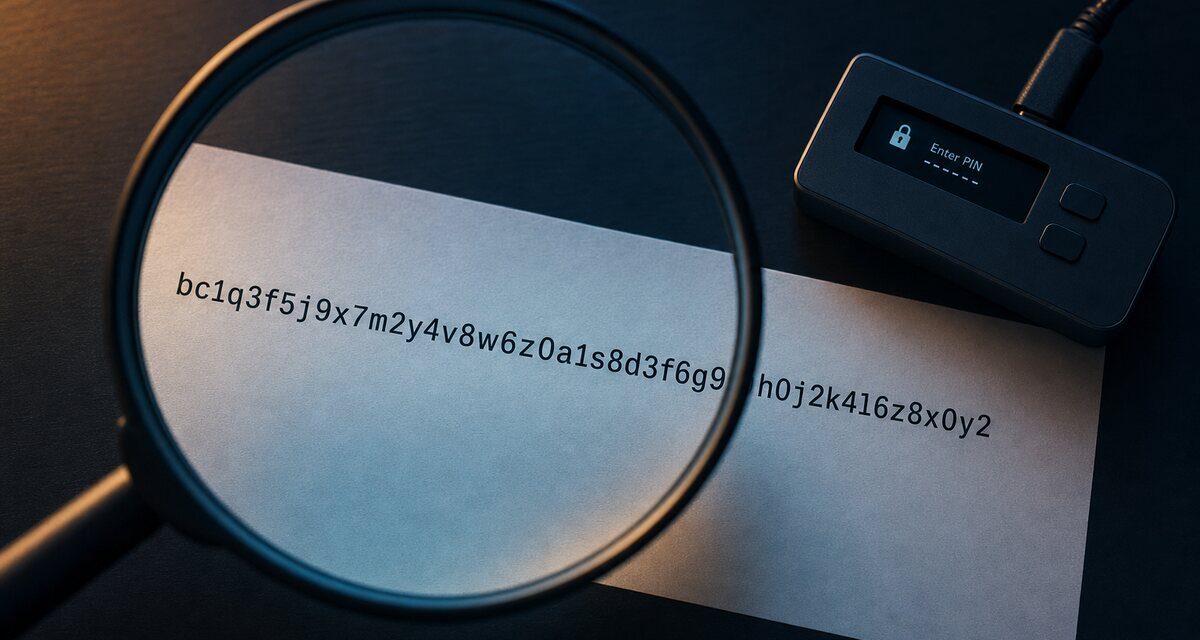
Short answer: before you confirm any transaction on a hardware wallet, check on the device itself, not on your computer: the full recipient address, the amount and asset, the network, and the fee. For contract interactions, also check what you are authorising. Comparing only the first and last few characters of an address is not enough.
Why the check must happen on the device
Malware on a computer can replace an address you copied, rewrite what a web page displays, or alter a transaction before it reaches your wallet. The hardware wallet’s screen is the one display the attacker is not supposed to control. If the device shows something different from what you intended, the device is right and your computer is lying.
The five-point check
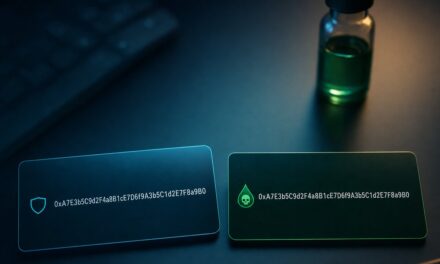
- Recipient address, in full. Compare every character with an address you obtained through a trusted channel (ideally shown on the recipient’s own device or confirmed by them out of band). Attackers generate lookalike addresses that share the same first and last characters precisely because people only check those.
- Amount and asset. Is it the token you meant, with the right number of decimals? A misplaced decimal is not a hack, but it is just as irreversible.
- Network. The same address format exists on several chains. Sending on the wrong one can make funds hard or impossible to recover.
- Fee. An absurd fee is a warning sign of a manipulated transaction or a misconfigured wallet.
- Intent, for smart contracts. Approvals, permits and signatures can grant someone the right to move your tokens later. Read the spender and the allowance (see our guide on blind signing vs clear signing).
Receiving: verify your own address too
When you give someone your address, display it on the hardware wallet and check it there before sharing it. Clipboard malware can swap the address on your computer between the moment you copy it and the moment you paste it.
Habits that prevent most losses
- Never copy a destination from your transaction history: that is how address poisoning works.
- Use the wallet’s address book for regular recipients, after verifying each entry once.
- For a large transfer, send a small test amount first and have the recipient confirm it.
- Slow down. Urgency is the attacker’s best tool.
Frequently asked questions
Is checking the first and last characters of an address enough?
No. Attackers can generate addresses that match the first and last characters of yours. Compare the whole address, or at least long chunks spread across its length.
What if the address on my device differs from the one on my screen?
Reject the transaction. Your computer may be infected or the website compromised. Disconnect, scan the computer, and get the address again through a trusted channel.
Why send a test transaction?
Because blockchain transfers are irreversible. Losing a small test amount is far better than losing everything to a typo, a wrong network or a swapped address.
Can a hardware wallet protect me if I approve the wrong thing?
No. It guarantees that what you see is what you sign, but you still have to read it. That final check is your job.
Educational content, not financial advice. Some links on this site are affiliate links: see our disclosure.