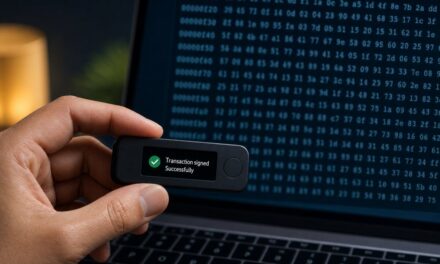
Short answer: a hardware wallet is a small dedicated device that keeps the private keys to your crypto offline and signs transactions internally, so your keys never touch your internet-connected computer or phone. It protects you against most malware and remote attacks, provided you buy it from a trusted source, set it up yourself, keep your recovery phrase offline and verify every transaction on the device’s own screen.
Hardware wallet vs software wallet
A software wallet (a phone app or browser extension) stores your keys on a general-purpose device that also runs a browser, email and dozens of other apps. If that device is compromised, the keys can be stolen. A hardware wallet separates the two roles: your computer prepares the transaction, the hardware wallet signs it, and only the signature goes back. Malware can still try to trick you into signing something bad, which is why the device’s screen matters so much (see blind signing vs clear signing).
| Software wallet | Hardware wallet | |
|---|---|---|
| Where the keys live | On your phone or computer | Inside the dedicated device |
| Exposure to malware | High | Low: keys never leave the device |
| Trusted screen to verify transactions | No | Yes |
| Cost | Usually free | A one-off purchase |
| Convenience | Very high | Slightly lower: you need the device to sign |
A common setup is a software wallet for small everyday amounts and a hardware wallet for savings.
The main types of hardware wallets
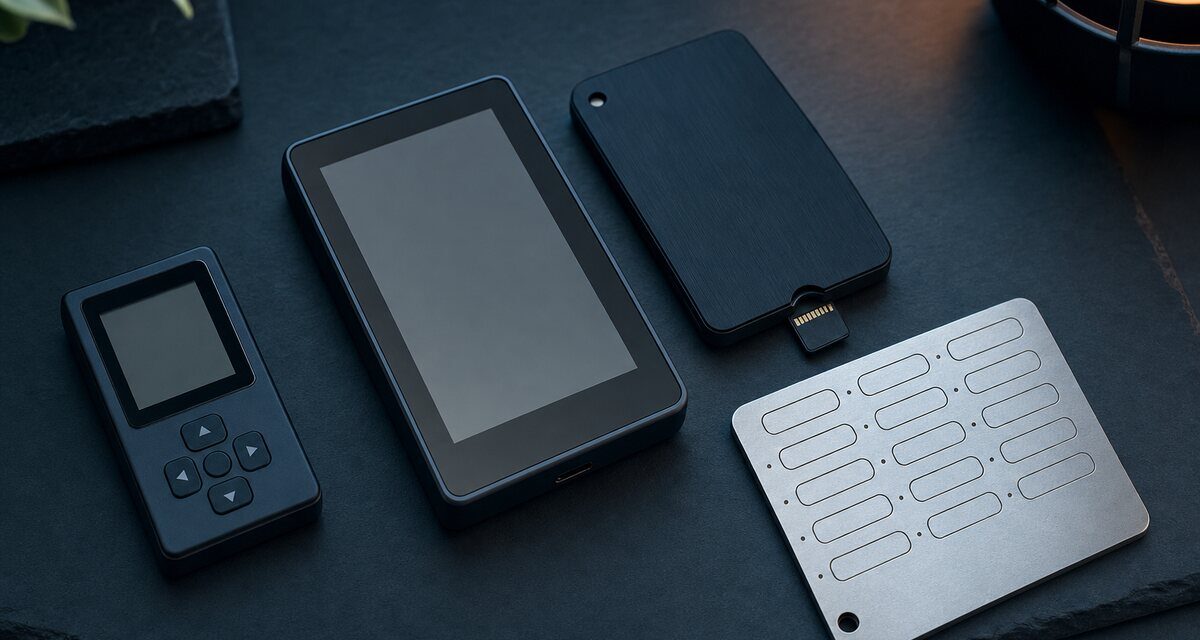
- Connection: USB cable, Bluetooth for use with a phone, or NFC on some models. Bluetooth only carries data to be signed; the keys stay on the device, but some users prefer to avoid any wireless link.
- Air-gapped devices never connect directly: transactions travel by QR code or microSD card. This reduces the attack surface at the cost of a few extra steps.
- Screen and controls: small screens with buttons, or larger touchscreens that make addresses and contract details easier to read and check.
- Bitcoin-only or multi-asset: Bitcoin-only firmware has less code and fewer features; multi-asset devices support many networks and tokens.
- Secure element and open source: many devices store keys in a secure element, a tamper-resistant chip similar to those in bank cards. Some manufacturers publish their firmware as open source so that anyone can audit it. Each approach has trade-offs, and several brands now combine both.
How to set up a hardware wallet safely
- Buy from the manufacturer or an official reseller. Never second-hand, never from an unknown marketplace seller.
- Check the packaging and the device as the manufacturer describes, and use only the official app, downloaded from the official website.
- Initialise it yourself. A genuine device always generates a new recovery phrase during setup. If a device arrives with a phrase already printed or written on a card, it is a scam: do not use it.
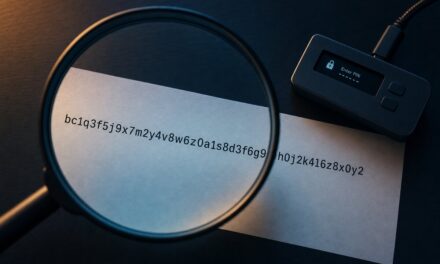
- Write the recovery phrase on paper or metal, offline. Never type it into a computer or phone, never photograph it, never store it in the cloud or a password manager. Anyone who has these words has your funds.
- Choose a strong PIN and, if you understand it, consider the optional passphrase, sometimes called the “25th word”. Forget the passphrase and the funds are lost, so back it up just as carefully.
- Test the backup with a small amount before you rely on it: receive a little, reset or recover the device from your phrase, and check that you see the same funds.
- Verify your receive address on the device before sharing it, and keep the firmware up to date from the official app.
Everyday use
- Check every transaction on the device screen before confirming: see our five-point check.
- Never copy addresses from your transaction history (address poisoning).
- Be suspicious of any message asking for your recovery phrase. Support teams, wallet makers and exchanges never need it.
- Store the device and the backup in different places.
Frequently asked questions
What happens if I lose my hardware wallet?
Your funds are not on the device: they are on the blockchain, and the device holds the keys. With your recovery phrase, and passphrase if you set one, you can restore access on a new device.
Can a hardware wallet be hacked?
Remote theft is very difficult when you verify transactions on the device. The real risks are social engineering, such as fake support or fake apps, a compromised recovery phrase, and signing transactions you have not checked.
Do I need one for small amounts?
It depends on what losing those funds would mean to you. Many people start using one once their holdings exceed what they would keep in cash in their wallet.
Educational content, not financial advice. Some links on this site are affiliate links: see our disclosure.