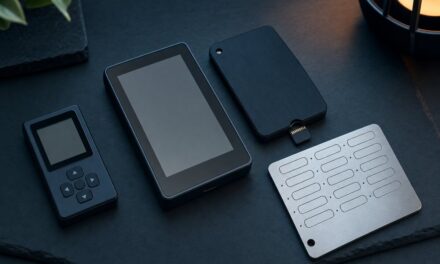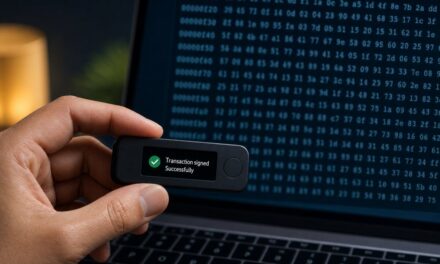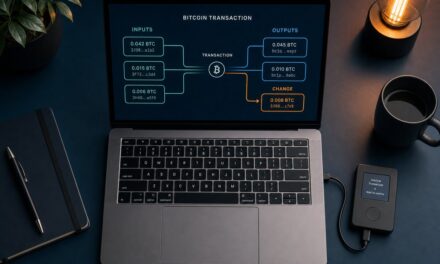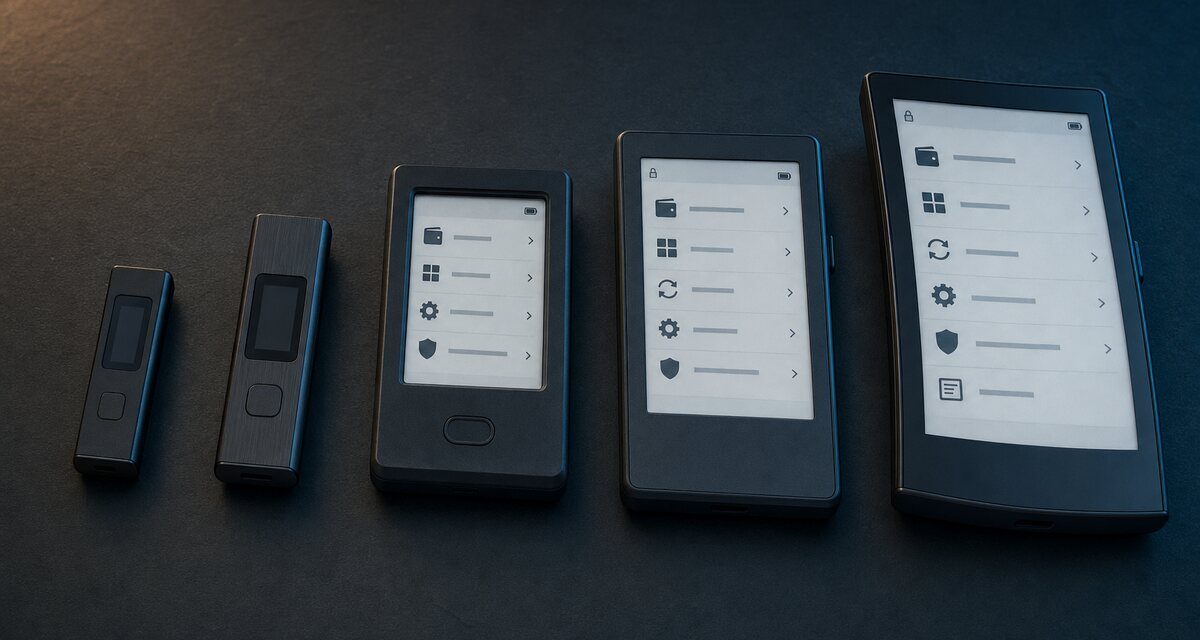
Short answer: Ledger now sells two families. The classic Nano S Plus and Nano X have small 1.1-inch screens and buttons, which makes them good backup or budget signers. The touchscreen models (Nano Gen5, Flex and Stax) have large E Ink screens on which long addresses and smart-contract details are much easier to read. Since the whole point of a hardware wallet is to check what you sign on its screen, we recommend a touchscreen model for anyone who uses DeFi, NFTs or sends large amounts.
Specifications below come from Ledger’s official product pages, checked on 1 November 2026. Prices change often and are not listed here: see Ledger’s store for current prices.
The line-up at a glance
| Model | Screen | Connectivity | Positioning |
|---|---|---|---|
| Nano S Plus | 1.1″ monochrome OLED, 128 × 64 px, buttons | USB (USB-A to USB-C cable) | Classic signer for simple use at home |
| Nano X | 1.1″ monochrome OLED, 128 × 64 px, buttons | USB, Bluetooth | Classic signer, usable with a phone |
| Nano Gen5 | 2.8″ monochrome E Ink touchscreen, 300 × 400 px, scratch-resistant glass | USB-C, Bluetooth, NFC | Most accessible touchscreen model |
| Flex | 2.84″ E Ink touchscreen, 16 grey levels, 480 × 600 px, Gorilla Glass | USB-C, Bluetooth, NFC | Sharper touchscreen in a compact, robust format |
| Stax | 3.7″ curved E Ink touchscreen, 16 grey levels, 400 × 670 px | USB-C, Bluetooth, NFC, Qi wireless charging | Premium model with the largest screen |
All of them keep your keys in a certified secure element running Ledger OS, and the classic Nanos support up to 100 apps and more than 15,000 coins and tokens according to Ledger.
Why the screen matters more than anything else
A hardware wallet protects you only if you can check, on its own screen, what you are about to sign (see blind signing vs clear signing). A 128 × 64 pixel screen shows a long address in several scrolling chunks and makes smart-contract details tedious to review. A large E Ink touchscreen shows more at once and makes the full check far more likely to actually happen. Ledger highlights Clear Signing and Transaction Check, a warning when a transaction looks dangerous, on its touchscreen models.
Which Ledger should you choose?
Ledger Nano S Plus: the budget or backup signer
- For: holding long-term savings with few transactions, or as a second backup device.
- Pros: the simplest and most affordable way to get Ledger’s secure element; no wireless connection at all.
- Cons: small screen and two buttons; USB only, so it is less practical with a phone.
See the classic Nano range at Ledger
Ledger Nano X: the classic with Bluetooth
- For: people who want a classic Nano they can use with the Ledger app on their phone.
- Pros: Bluetooth; same 100-app capacity as the S Plus.
- Cons: same small screen and buttons, so it is no easier to review complex transactions.
Ledger Nano Gen5: the best entry into touchscreen signing
- For: most new buyers who want a readable screen without paying for the premium models.
- Pros: 2.8″ E Ink touchscreen with scratch-resistant glass and an anti-glare coating; USB-C, Bluetooth and NFC; Clear Signing support; Ledger Recovery Key included according to Ledger.
- Cons: monochrome screen with a lower resolution than the Flex.
Ledger Flex: sharper screen, compact and tough
- For: active users of DeFi, NFTs and multiple networks who review transactions often.
- Pros: sharper 480 × 600 E Ink screen with 16 grey levels and Gorilla Glass; Clear Signing and Transaction Check; USB-C, Bluetooth and NFC; Ledger Recovery Key included, as with all new Ledger touchscreen devices.
- Cons: costs more than the Gen5 for a screen of the same size.
Ledger Stax: the largest screen
- For: users who want the most comfortable reading experience and premium features.
- Pros: 3.7″ curved E Ink touchscreen; Qi wireless charging; built-in magnets to stack devices; up to 10 hours of normal use per charge according to Ledger; Ledger Recovery Key included.
- Cons: the most expensive model, and larger to carry.
Our recommendation
- Savings you rarely touch: Nano S Plus, ideally as part of a well-tested backup plan.
- Most people: Nano Gen5, for its readable touchscreen at the lowest price.
- Frequent DeFi or NFT users: Flex.
- Comfort first: Stax.
Whatever the model, buy it from Ledger or an official reseller, set it up yourself, and keep your recovery phrase offline (see hardware wallets explained).
Frequently asked questions
Are the Nano S Plus and Nano X discontinued?
No. Ledger still sells them, now grouped as “classic” signers alongside the touchscreen range.
Is Bluetooth or NFC a security risk?
The wireless link only carries data to be signed and signatures. Private keys stay in the secure element. If you prefer to avoid any wireless link, the Nano S Plus is USB only.
Can I use several Ledger devices with the same recovery phrase?
Yes. A device restored from the same recovery phrase gives access to the same accounts, which is how many people set up a backup signer.
Sources
- Ledger: classic Nano signers comparison
- Ledger Nano Gen5, Ledger Flex, Ledger Stax
- Ledger Developer Portal: Clear Signing
Links to Ledger’s store on this page are affiliate links: we may earn a commission at no extra cost to you (disclosure). Educational content, not financial advice.